


In 2020, brands are leveraging virtual events more than ever.
And, although some marketers once believed that "webinars were dead,” many are now rethinking that statement as they find themselves scheduling and promoting this exact type of event.
Webinars, or online events often modeled like a class or seminar, often include a lesson, slide deck, interactive elements such as polls, and, occasionally, time for audience members to virtually ask questions.
Because of their educational format, webinars can offer a number of great perks to brands.
First, you can build a sense of credibility by hosting a webinar on a topic your company has expertise in. Second, webinars can enable your fans to interact with you digitally.
Lastly, and most importantly, webinar signups can lead to a bigger contact list, more prospects, or purchasing conversions.
But webinars aren't always easy to plan and execute.
Because webinars require viewers to sign up and remember to tune in, it takes clever marketing to ensure that a large audience actually attends. Additionally, with most brands going virtual in 2020, a number of competitors in your space might very well be planning a similar webinar that your audiences might be more drawn to.
Luckily, by researching your target audience, and learning more about what drives attendees to sign up for webinars, you can create and promote an event that effectively pulls in and delights your audiences.
So, where do you start?
To help you research the best webinar tactics for your brand, I surveyed 400 consumers about their webinar preferences and what motivates them to attend these virtual events. In this blog post, I'll highlight a few key findings that you can keep in mind as you develop and promote your webinar content.
When choosing which webinars to sign up for, are people drawn mostly to events that help them elevate their career, or are they attending them for more recreational purposes?
To learn more about consumers' motivations for attending a webinar, I asked 400 consumers, "Which webinars are you most likely to attend in 2020?", 27% chose, "Webinars that teach me more about a passion or hobby;" while 24% chose, "Webinars that entertain me."
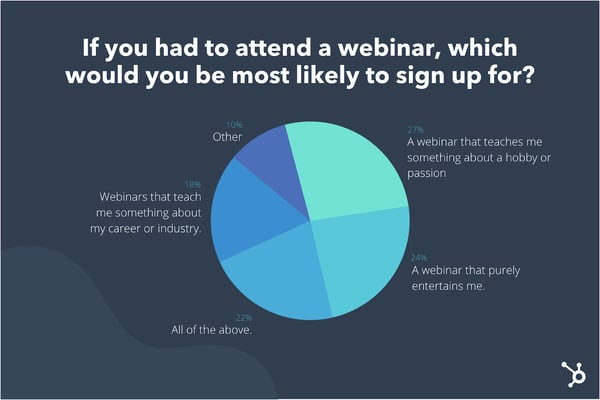
If you have a webinar strategy or series that aims to help people boost their careers or work tactics, don't panic. Nearly one-fifth of the group (18%) said they wanted to attend webinars that helped them learn more about their career or industry, while 22% said "All of the above." These results indicate that consumers will definitely still sign up for a webinar that tackles career, work, or industry-related topics.
Additionally, you should also keep in mind that this survey was delivered to a small general consumer pool of all ages and career levels. Had this been given primarily to executives or B2B business reps, the results might have leaned towards industry-related content.
Regardless of what industry you're in, or the size of this survey pool, marketers should keep the data above in mind when creating and promoting a webinar. Because people are naturally curious and want to learn, your webinar promotions should intrigue them by clearly stating what they'll learn, noting any experts that might be featured, and highlighting how attendees will be able to use the knowledge they'll gain from the event.
Just like any in-person class, each professor -- or webinar host -- might have a slightly different teaching style.
While some hosts might come in with a great slide deck presentation, others might bring in an expert and have the audience ask them questions. Or, they might bring in a few experts and host a panel discussion where the audience just listens rather than asking questions.
There are many ways to format an informative webinar, but which teaching style actually intrigues people enough to get them to sign up?
When I asked, "Which webinar format sounds most engaging to you?", 30% of participants said, "A presentation that teaches me how to do something specific." Meanwhile, 20% said "All of the above."
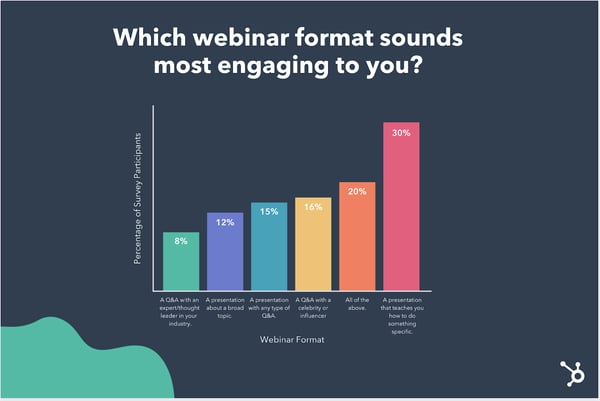
The results above hint that a simple how-to webinar with fewer frills could still engage audiences if you're feeling low on bandwidth and creativity. However, if you have the time to coordinate a webinar that feels more like a live Q&A, this could also be a great formatting option. 39% of people said they were drawn to one of the webinar formats that included a Q&A.
Although a more basic presentation or lecture styled webinar will still catch the attention of potential viewers, content marketers should still make sure their presentations educate audiences on something specific -- like a strategy -- rather than discussing an incredibly broad or very vague topic -- like an entire industry. Only 12% of respondents say they're driven to webinars that will feature a presenter discussing a broad topic.
Odds are, a person attending a webinar already knows the basics of their hobby, industry, or passion. But, they want to learn more or become an expert at something related to it. For example, as a content marketer, I might not attend a webinar with a broad topic of "Marketing," but I might attend webinars like, "Advanced Blogging Tips from Managing Editors," or "The Basics of SEO in Marketing."
As a marketer or webinar creator, you'll need to build a buyer persona for your target audience to determine the best expertise level to create valuable content around. If your audience is filled with beginners in a topic, you might want to create more granular webinars that discuss basic tasks or tactics. If your audience is made up of topic experts, your webinars might need to be more advanced.
In the modern classroom, teachers will often zest up a number of different class outlines by adding opportunities for students to interact or test their knowledge. These could include polling the class by asking them to raise their hands, pop quizzes, or allowing them to ask questions.
When it comes to online events, a number of tools and video software enable marketers to make their webinars more interactive and engaging. And, based on our research, it seems like consumers enjoy interactive webinars.
When asked, "Which element would you most like to see in a webinar?", "A host or presenter that takes questions from the audience," received 22% of the votes, followed by "No preference as long as the webinar feels interactive," with 19% of the votes. Another 20% say they'd like to see polls or quizzes.
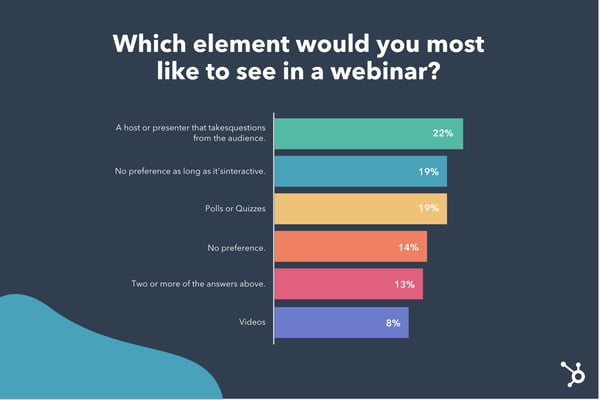
If you're a marketer who regularly creates webinars, it might be worth it to consider where you can make your programming more interactive.
For example, if you're hosting an expert, consider leaving time for the audience to ask questions in the webinar tool's chat area. Or, if you're discussing a strategy that's common in your field, poll your audience to see if they've used the tactic.
Although polls or Q&A might seem like a super basic webinar element, they might make your audiences listen more actively and enjoy the content they're consuming more. This ultimately could lead to them engaging more with your brand, signing up for future webinars, or converting to a customer.
If you're marketing a webinar that has interactive content in it, be sure to promote that aspect. For example, in your messaging, emails, and follow-up emails, directly tell your audiences they'll be able to actively participate in quizzes, polls, or a Q&A during your event.
In a competitive webinar pool, anything you can do to make your webinar seem more active and engaging than others that are more basic could help boost signups and attendance during the actual event.
While creating a unique and engaging webinar will be one crucial step in your virtual event strategy, the proper promotional tactics will also be vital.
Once you've created a webinar plan that will inform audiences, allow them to interact with you, and fuel your contact list, be sure to promote all of the great things your online event will cover.
As you promote your webinar, don't forget to note aspects that will make your event stand out -- such as polls or Q&As. This transparency will show audiences exactly what they can expect and differentiate you from competitors with vague webinar promotions.
To learn more about creating a truly compelling webinar, check out this ultimate guide. Want to learn how to promote your next online event? Here are a few great tips from HubSpot marketers.

The marketing technology landscape is expanding rapidly, and it's becoming cheaper and easier for marketers to run powerful campaigns on their website or other channels.
So, if you want to build a powerful inbound marketing engine, what do you need?
Well, first off, you need a website.
It also helps to have dedicated landing pages, sales pages, splash pages, and lead capture forms. Additionally, you'll want messaging tools like email, push, or SMS to communicate with your leads and prospects.
All of these tools are invaluable in helping you build powerful inbound marketing systems and predictable revenue.
To help consolidate all of these marketing elements in one place and test new campaigns, there are powerful suites like ClickFunnels that you might try out — but ClickFunnels isn't for everyone.
Here, we'll explore 11 alternatives to ClickFunnels that will help you create high-quality campaigns and drive more revenue in 2020 and beyond.
But first — what is ClickFunnels?
At its core, ClickFunnels is a company that tries to help you with all of the above. It's a full suite sales and website funnel building tool, primarily predicated on landing pages and basic marketing automation functionality. The magic is that you can set up pretty clever workflows and funnels without the help of developers.
This means you can move faster, test new campaigns rapidly, and therefore, drive more revenue.
Some of ClickFunnels features include:
ClickFunnels also has a raving fan community that loves the company. This makes it easy to find help when you need it.
However, not everyone is a fan and the tool isn't for everyone.
While it has many features, sometimes you don't want or need every one of them, or you'd like to use a more powerful tool to accomplish something specific (such as email or landing pages). Additionally, there are often stronger point solutions for a given functionality.
Whatever your reason for seeking an alternative to this popular funnel and landing page building tool, this list should help you with your shopping.
HubSpot's Marketing Hub includes a myriad of free tools that help marketers do everything from managing your paid ads to collecting leads, building landing pages, and setting up email marketing campaigns.
The coolest part is all of your contacts data is stored in the free CRM, so you can easily access insights and use CRM data to improve and personalize your campaigns.
As an alternative to ClickFunnels, the all-in-one aspect of HubSpot is a big selling point.
Specifically with regards to the landing pages functionality, you're able to build out beautiful pages — sales pages, squeeze pages, downsell pages, upsells, webinar funnels, etc. — using the simple drag-and-drop editor. There are several landing page templates available to get you started, as well.
Pros
Cons
Pricing: Starts free and then Starter Tier pricing begins at $50/month.
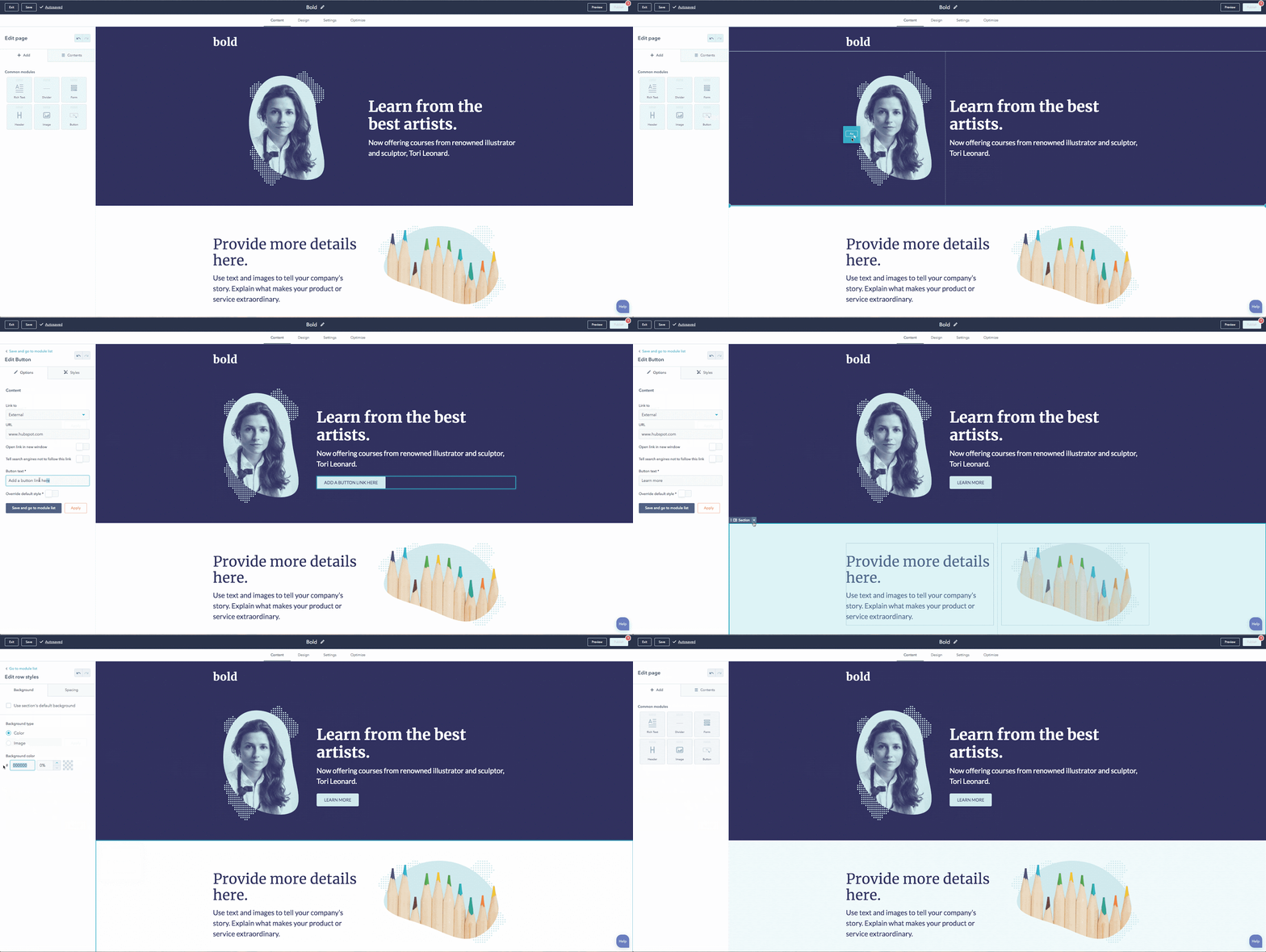
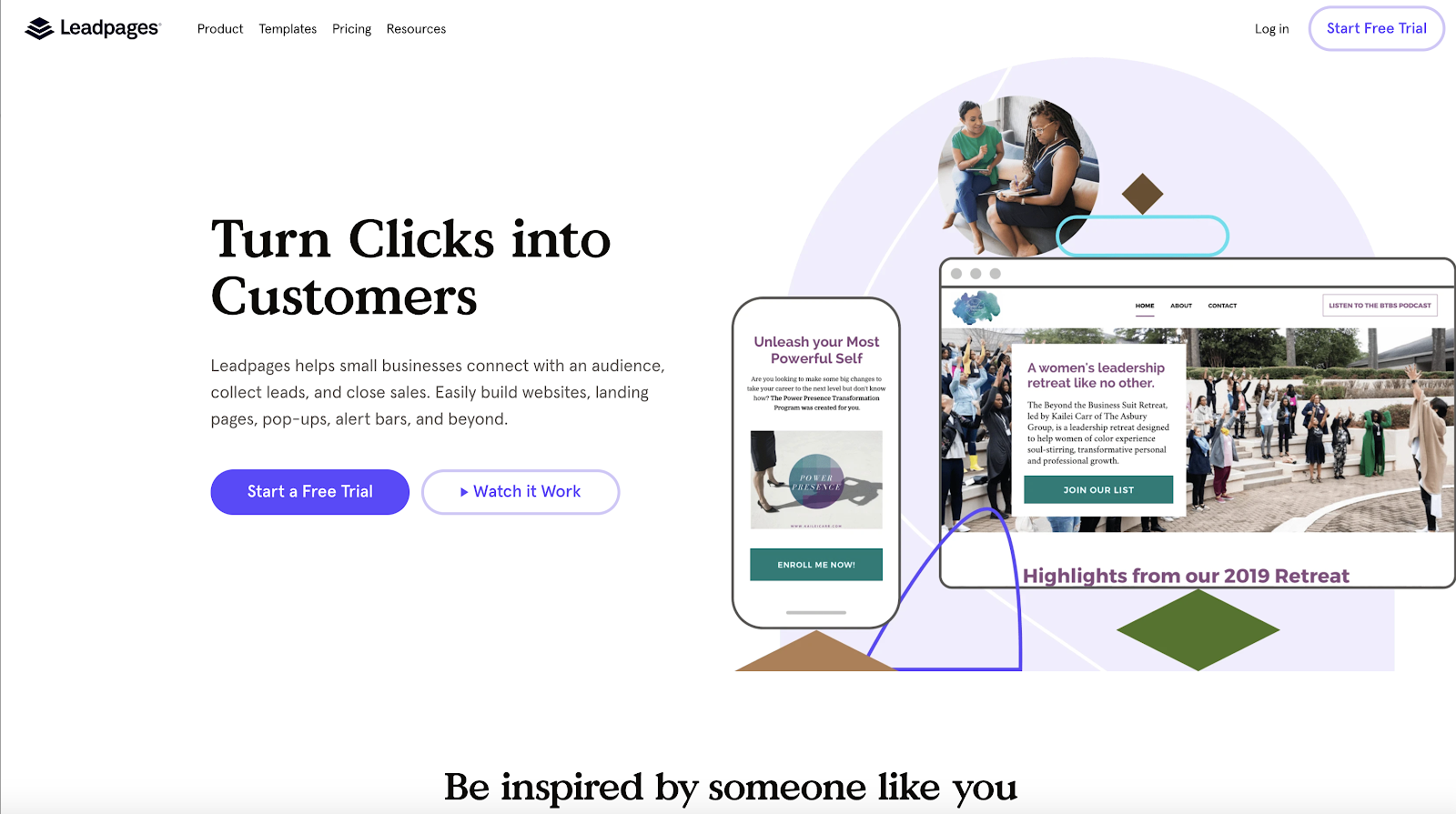
Leadpages is a strong contender in the marketing technology world, and it's an especially popular landing page builder.
Essentially, it allows you to build no code (or low code) websites and landing pages. It also includes handy tools for lead capture and funnel building, such as popup forms, alert bars, and an impressive list of native integrations.
Previously, Leadpages had also owned a marketing automation platform, Drip, though they have since diverged in Leadpages' recent acquisition. Still, you can easily integrate Drip with Leadpages (or basically whatever marketing automation tool you use).
Pros
Cons
Pricing: Starts at $25/month
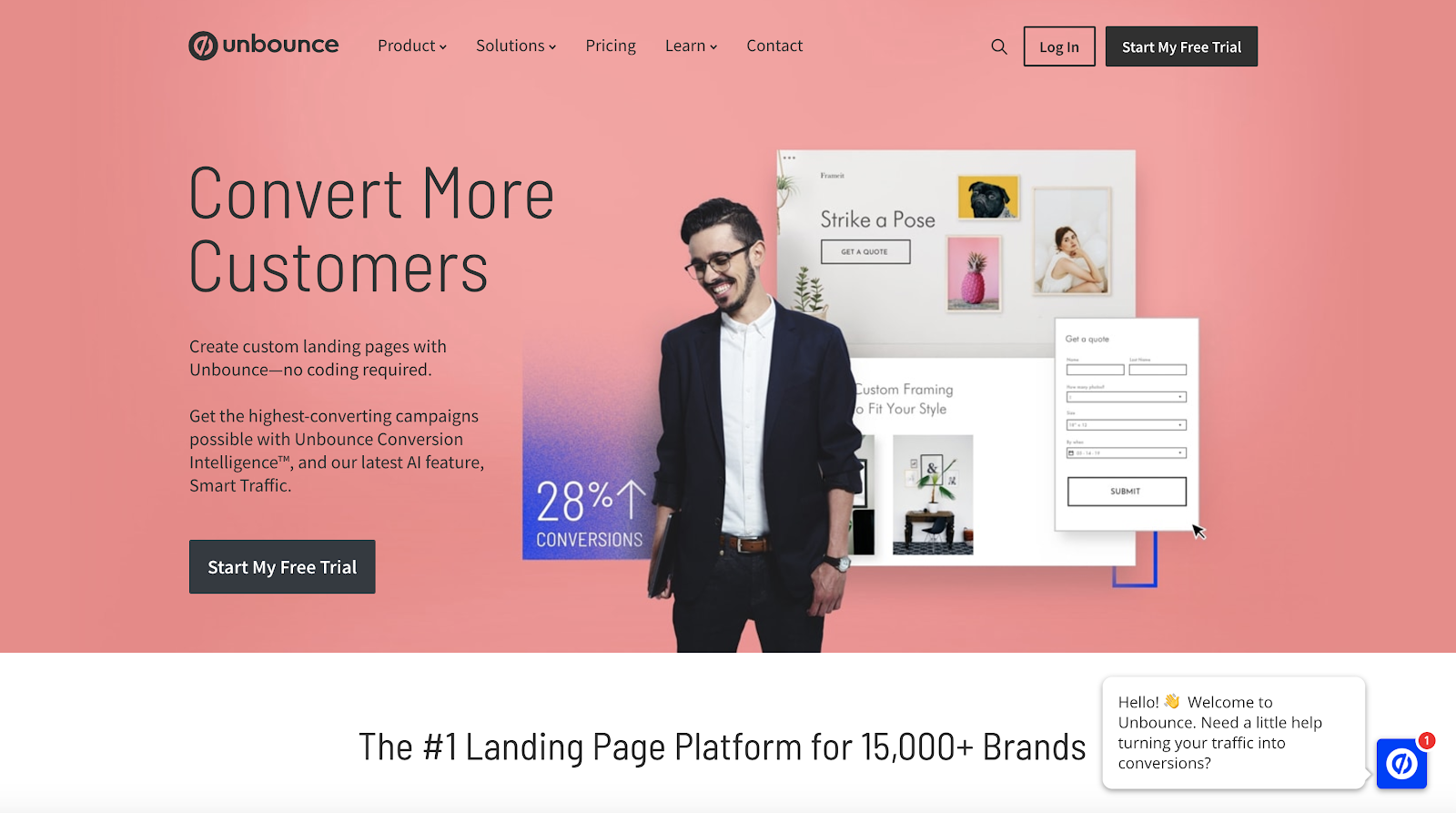
Unbounce is one of my favorite landing page builders.
Their landing page editor is easy to use, but the product is also one of the most powerful and flexible I've tried out. You'll be just as satisfied with the tool whether you're a marketer who can't code, a marketer who can code, a designer, or a developer. It's a great product for landing pages at scale.
While landing pages are their bread and butter, they also have some truly great lead capture tools, as well. The pop-up editor is the same WYSIWYG editor that their landing page editor uses, so it's easy to build beautiful pop-ups (not to mention, they've got great templates available, too).
Unbounce has also built a substantial community of users, agencies, and developers. So if you're looking for help with design, SEO, or PPC campaigns, there are so many agencies that specialize with Unbounce.
One of the coolest features they've recently launched is "smart traffic." This feature uses machine learning to dynamically deliver the right landing page to the right traffic (my guess is through reinforcement learning, but who knows).
Pros
Cons
Pricing: Starts at $80/month
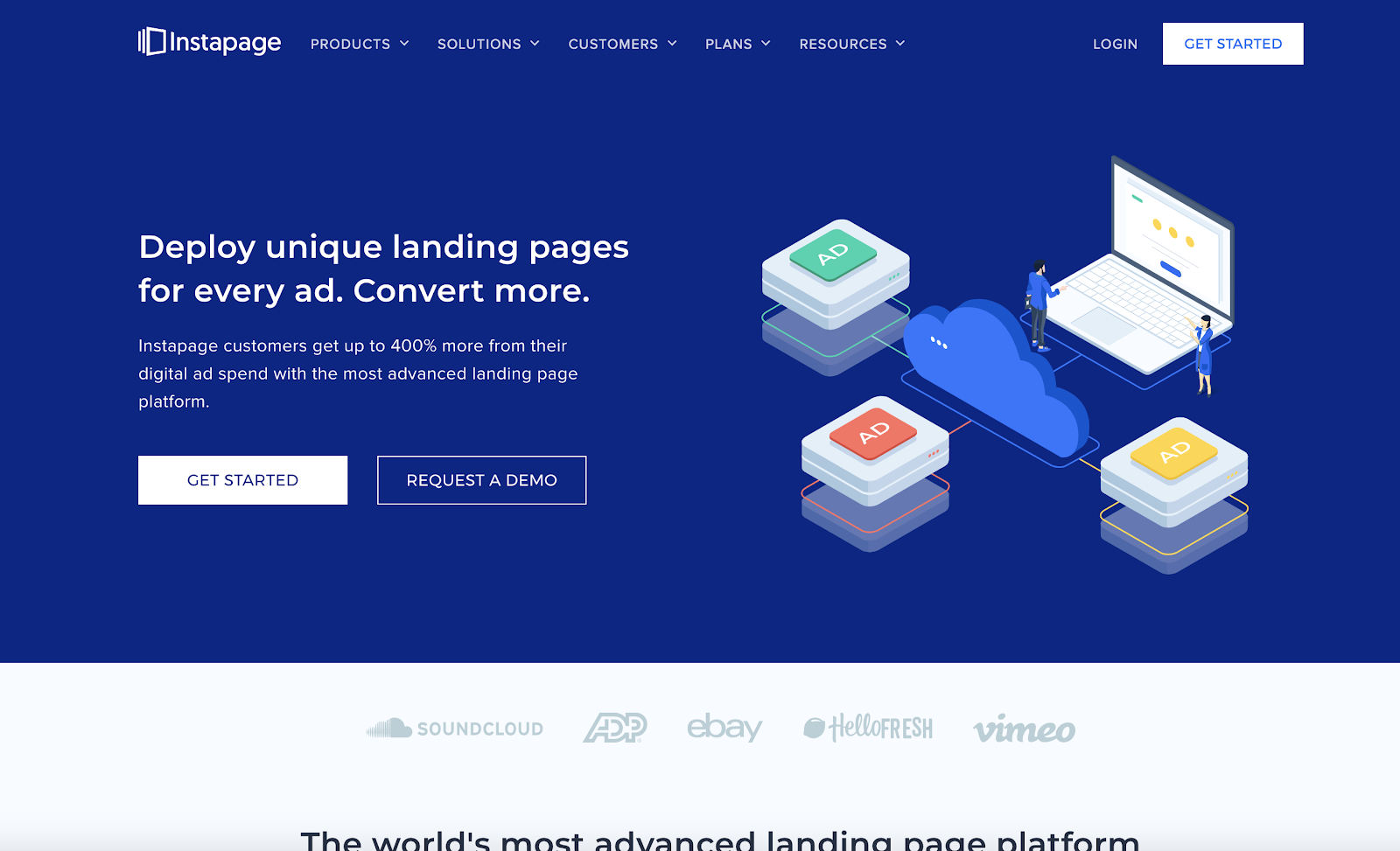
Instapage is one of the most popular landing page tools on the market.
They're well-respected among marketers, and offer one of the most scalable solutions when it comes to high-budget growth marketing programs. This includes programmatic personalization, solid experimentation functionality embedded within the product, and AdMaps to visualize the mapping between your pre-click experience on ads and your post-click experience on landing pages.
Underpinning all of this advanced technology is a user-friendly page builder that any marketer can master easily.
Pros
Cons
Pricing: Starts at $199/month
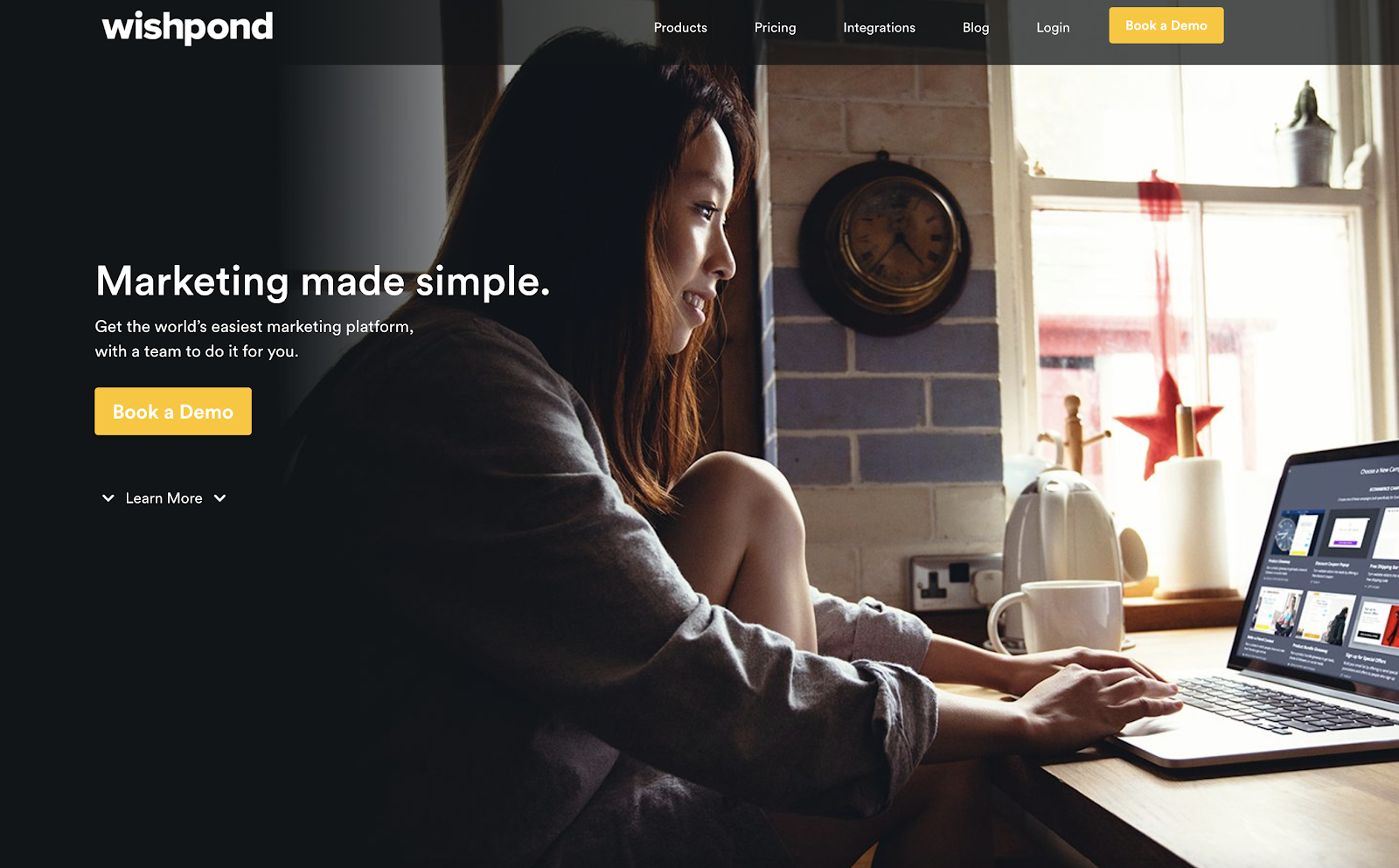
Wishpond is an all-in-one marketing platform that might be one of the easiest to use.
First off, they have a stunning array of features. They have ads tools for Instagram, Facebook, and Google, social media promotion tools, email marketing software, lead management, referral programs, landing pages, website pop-ups, cart abandonment triggers, forms, call tracking, and automation.
So if you want the full bucket of features and then some, Wishpond is an impressive platform.
The tools are all built for marketers, so they're easy to use without the help of a developer.
Pros
Cons
Pricing: Starts at $75/month
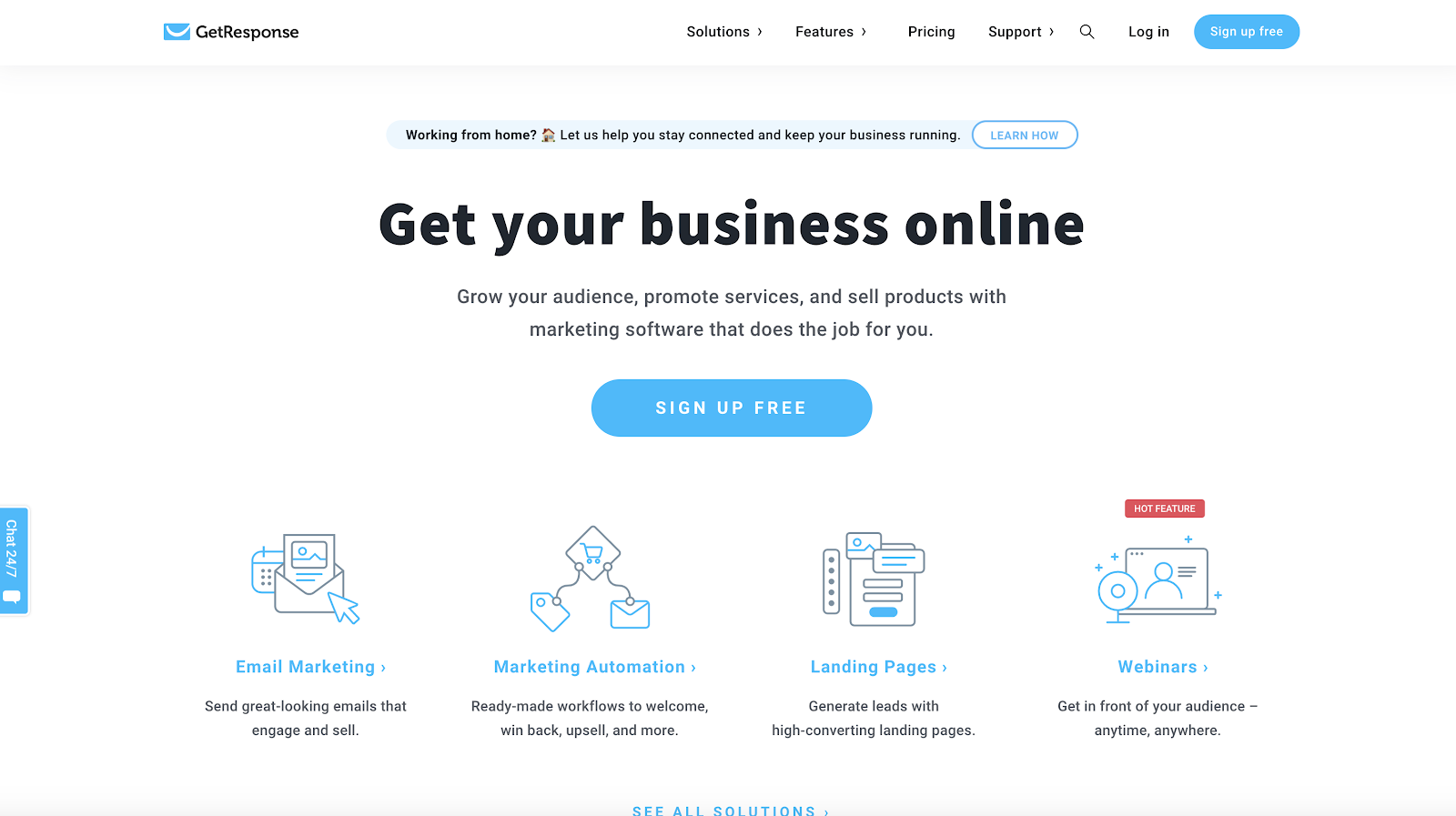
GetResponse is one of my favorite all-in-one marketing platforms. To be honest, I've mainly used them and love them for their email marketing solution. Great deliverability.
But their landing page builder is also impressive. They have some unique features, like robust marketing automation and webinars, as well as some standard tools like forms and pop-ups.
You can easily set up sales funnels or lead magnet funnels, and you can even manage and create social media ads in the platform. Sitting on all of this is a powerful set of analytics tools to visualize exactly how your funnels are performing.
Pros
Cons
Pricing: Starts at $15/month
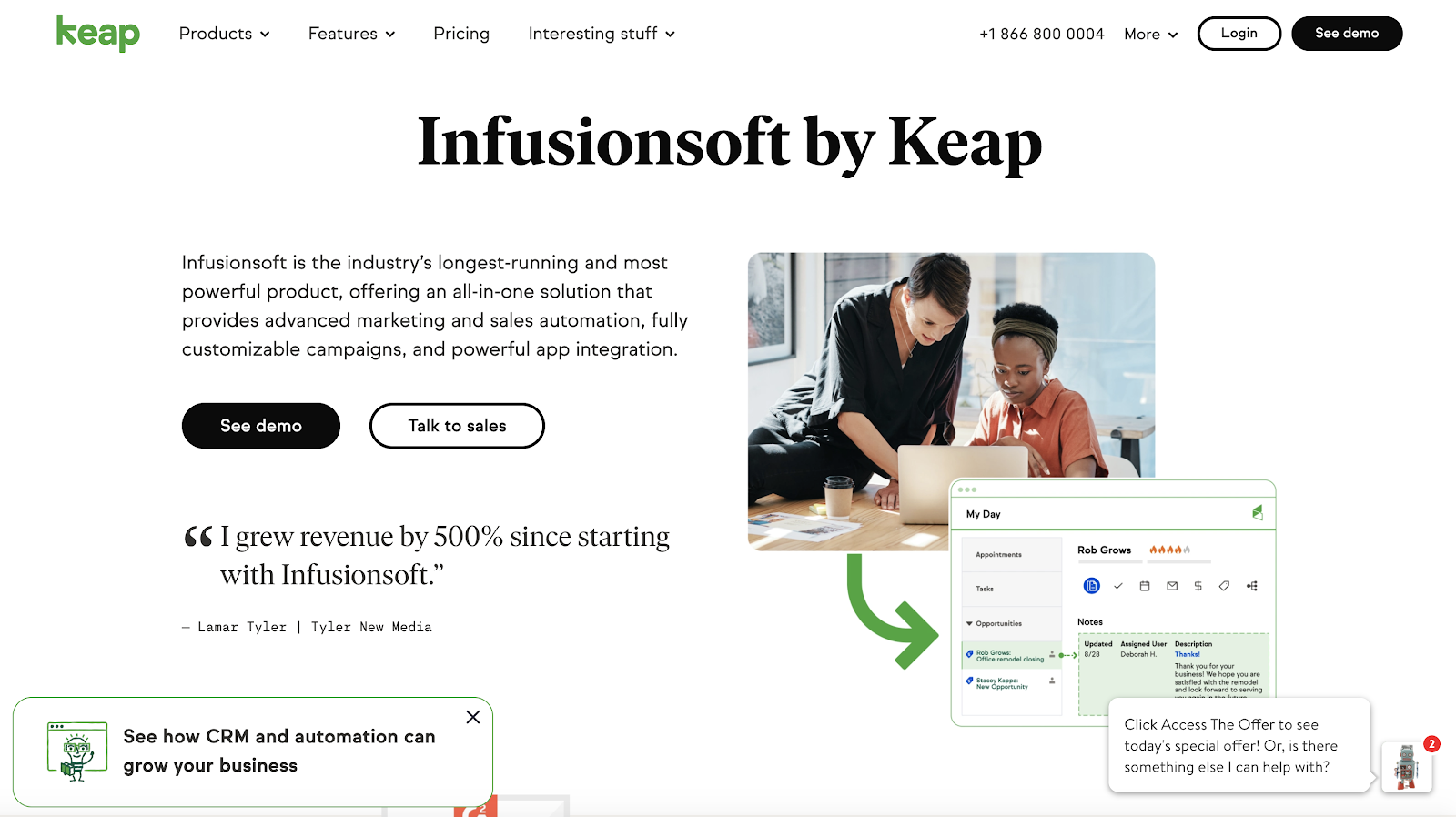
Keap, formerly known as Infusionsoft, is one of the premier marketing automation solutions out there.
Since rebranding and rolling up into Keap, the company has built out a robust platform complete with a CRM as well as various sales features like invoice management, an appointment scheduler, and a sales pipeline manager.
However, most marketers know this company for Infusionsoft, the powerful and long running marketing automation platform. This tool has the whole suite — landing pages, lead capture tools like forms and pop-ups, an email delivery service, automation functionality, and pretty good native analytics reports.
All of this makes it a wonderful solution to manage your sales funnel and online business in general.
Pros
Cons
Pricing: Starts at $199/month
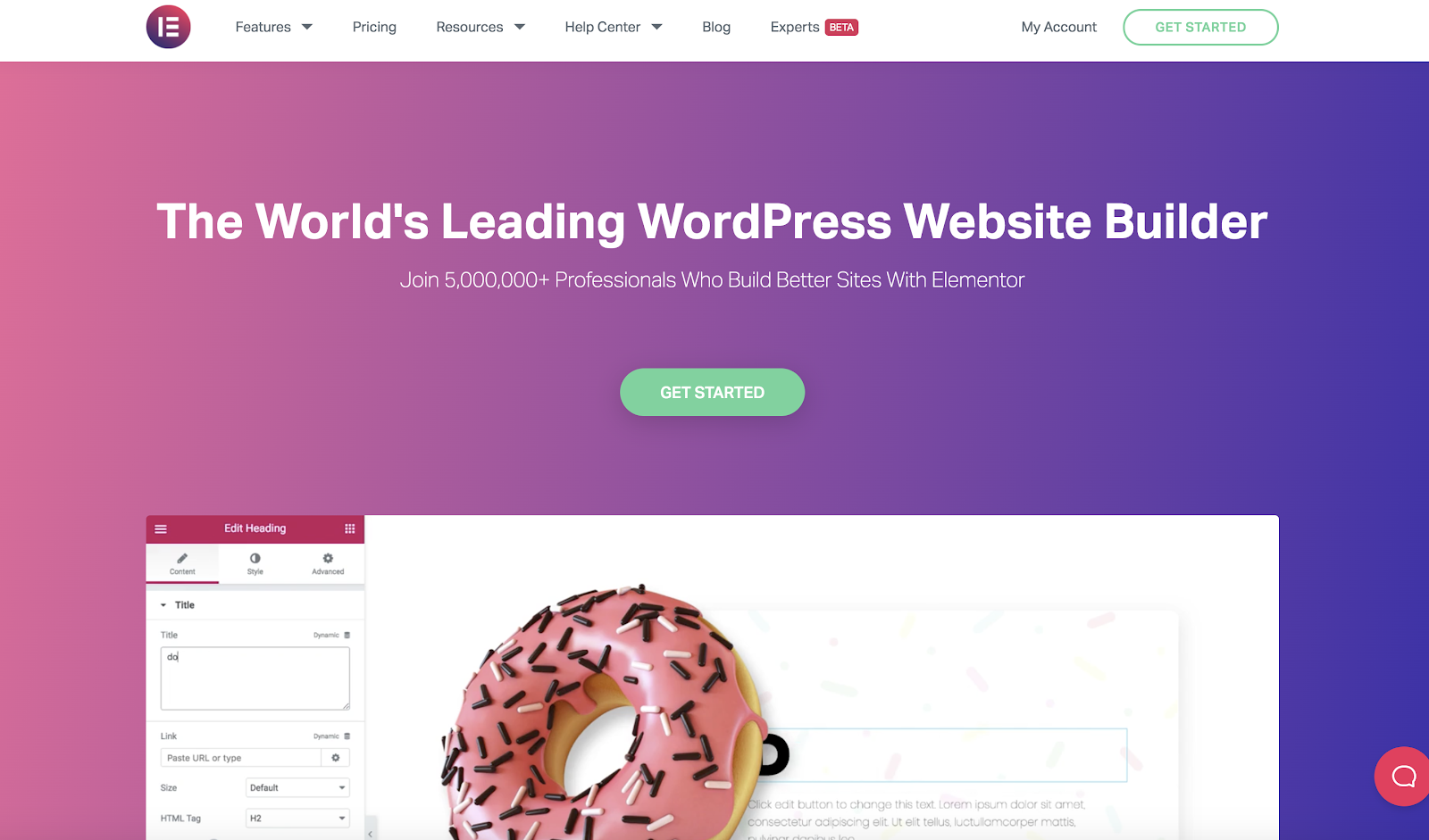
Elementor is an insanely popular WordPress page builder.
While many ClickFunnels alternatives on this list are full featured marketing platforms, you can get pretty far with WordPress, a page builder like Elementor, and a messaging service (there are many free email marketing tools).
Elementor has over 5 million active installations on WordPress, and it's easy to see why. It's an incredibly easy-to-use landing page builder, and any marketer can use it to quickly get started building beautiful pages.
Moreover, it starts out free and is quite affordable even at the paid tiers.
If you need a simple and effective page builder to act as a funnel builder, Elementor is a great option.
Pros
Cons
Pricing: Starts free, next plan begins at $49/month
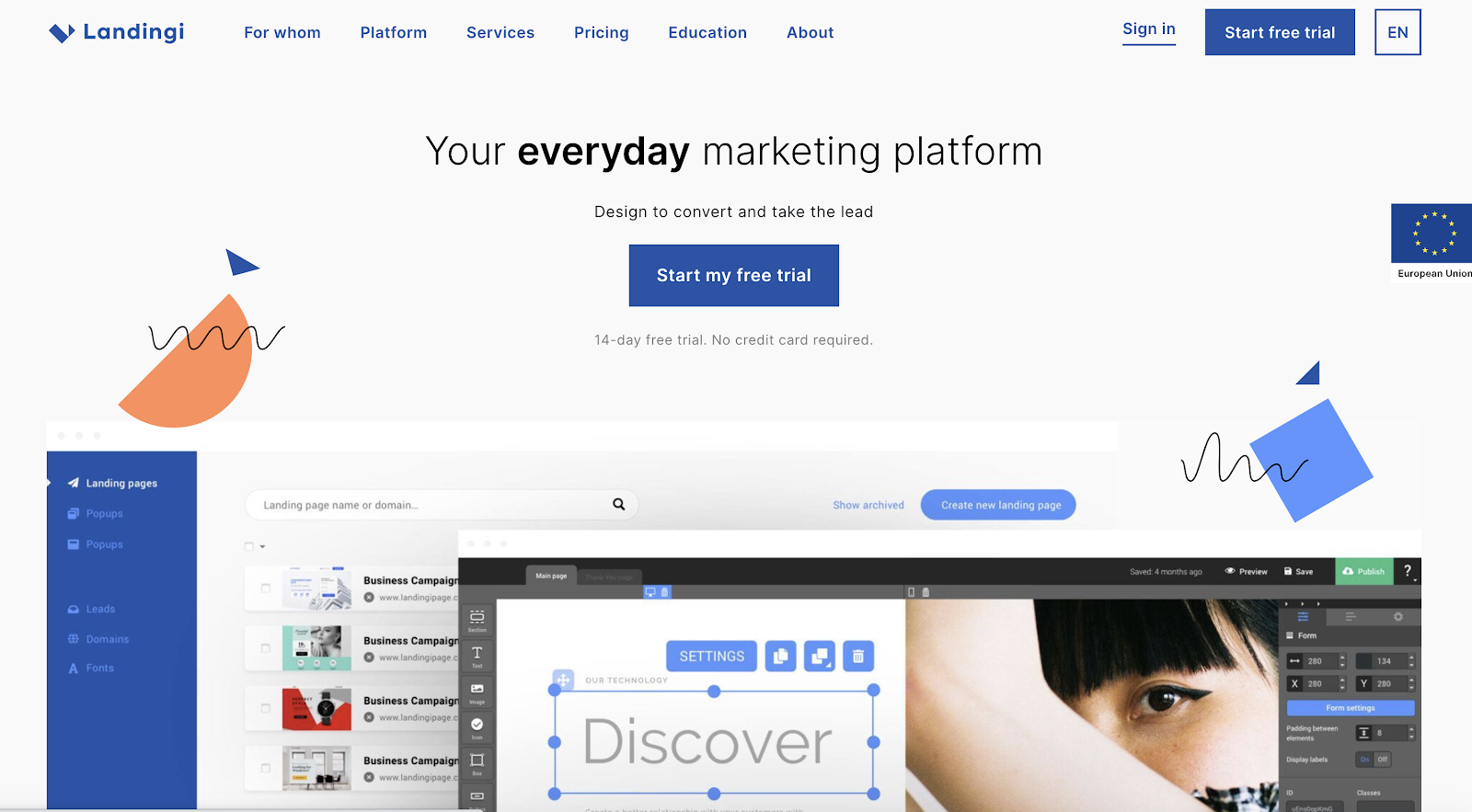
In my opinion, Landingi is one of the most underrated landing page builders.
First off, it's easy to use. Additionally, they've got a powerful assortment of features, including a mobile-friendly design editor, pop-ups and lead capture functionality that you can use anywhere on your site, a ton of integrations, and optimization and testing capabilities in-app.
Plus, this tool was built as a mobile-first landing page builder. It can often be frustrating designing mobile-friendly pages, so if that's a concern for you, you should consider this tool.
Finally, if you're a WordPress user, they have a great WordPress plugin to help get you up and running.
Pros
Cons
Pricing: Starts at $47/month
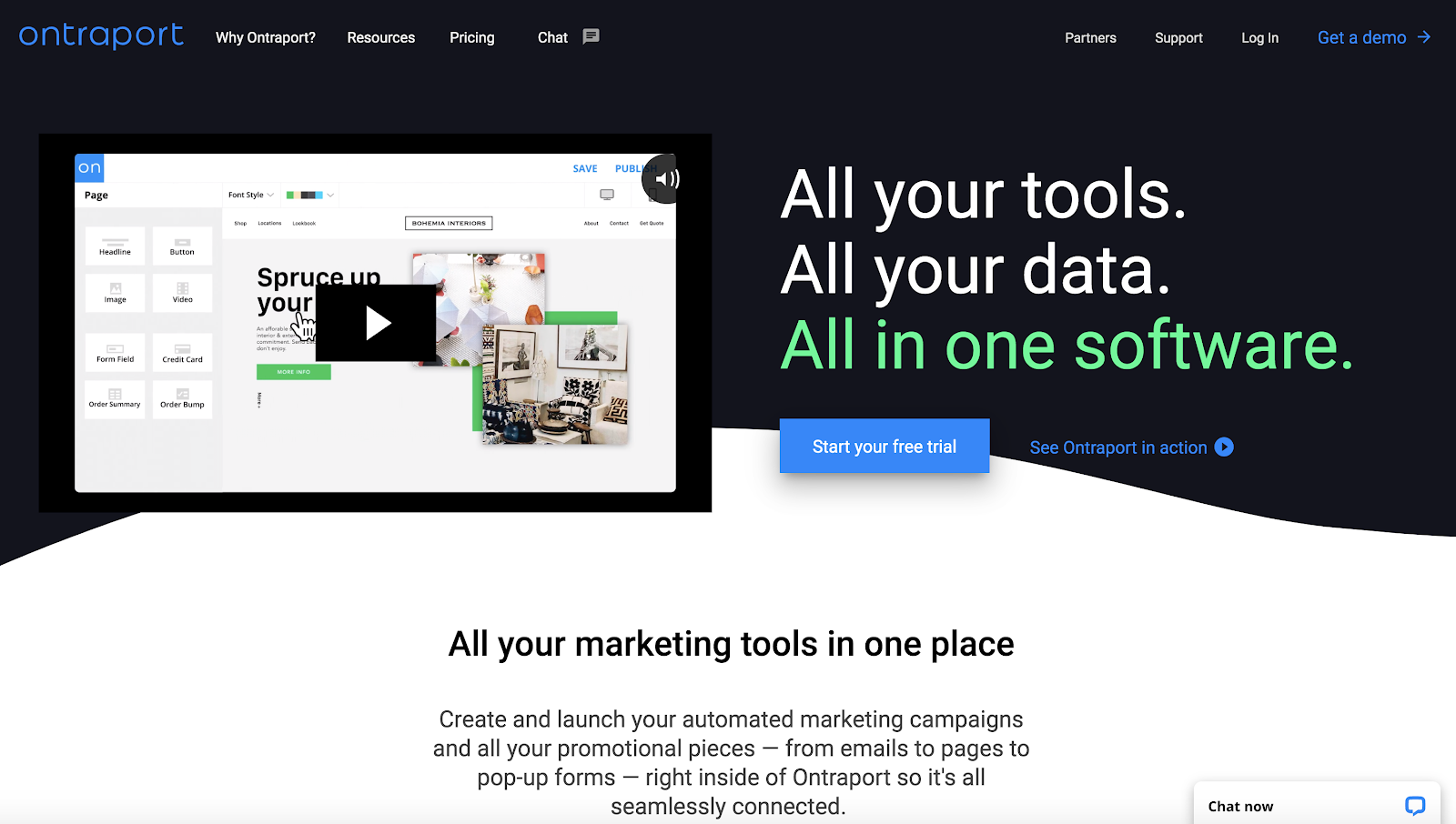
Ontraport is another all-in-one marketing solution.
It starts with the Ontraport CRM, where all your data lives. Then you have email and SMS tools to communicate with your prospects and your customers.
And of course, you have a great landing page builder. This also comes with embedded web forms and membership sites, which makes this a wonderful alternative to ClickFunnels.
Pros
Cons
Pricing: Starts at $79/month
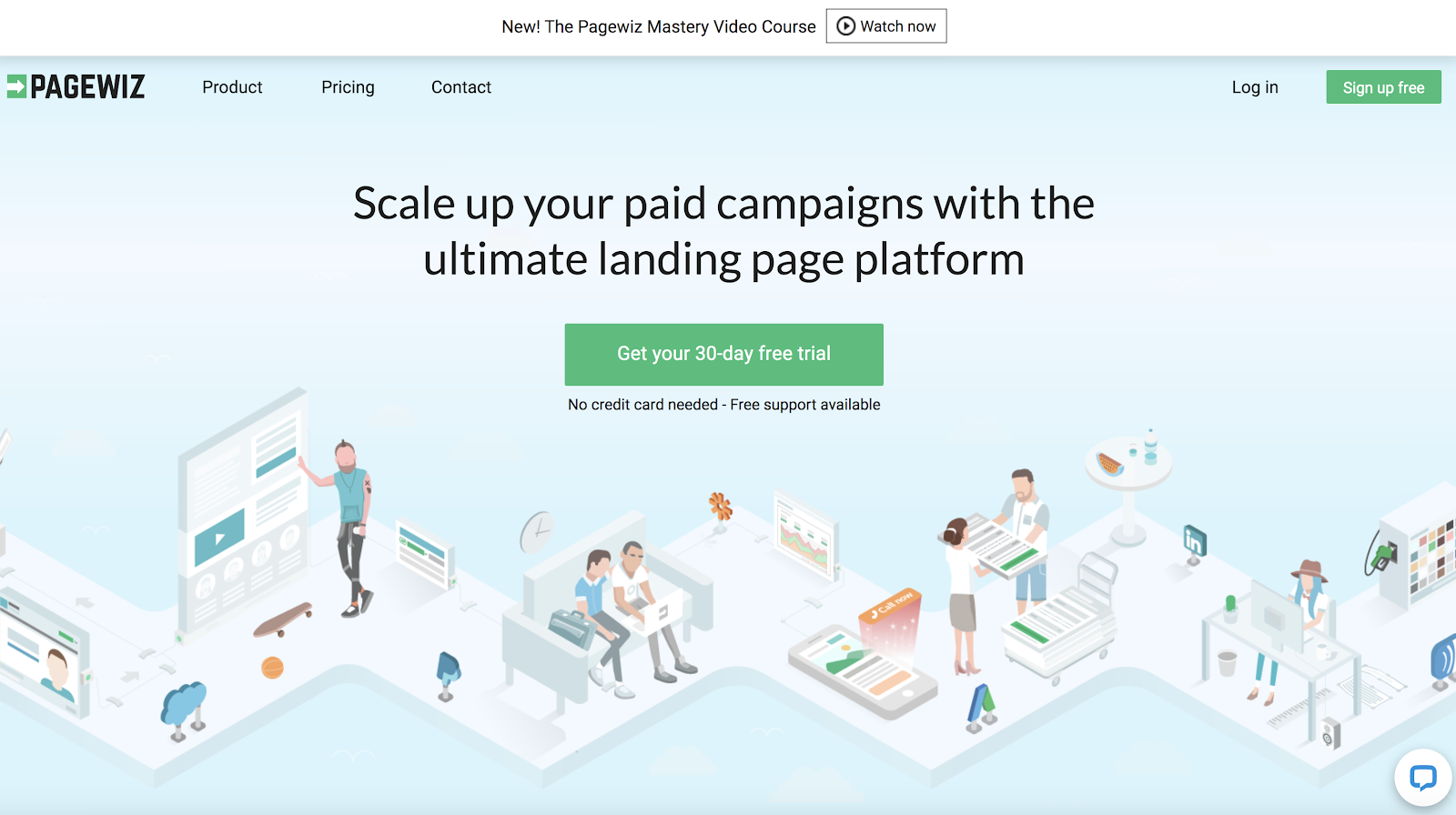
Pagewiz is a dedicated landing page builder — and a powerful one, at that.
They're a product-led company, putting tons of resources into building a secure, easy-to-use, and flexible page builder. Therefore, if you want best in breed for your landing pages, this is a good bet.
Pagewiz comes replete with every feature you need to build perfect pages — a mobile responsive editor, good A/B testing functionality, video widgets, design features like parallax scrolling, and tons of ready-to-use templates.
You can also integrate with pretty much any other marketing tool you're currently using.
Pros
Cons
Pricing: Starts at $29/month
1. HubSpot Marketing Hub
2. Elementor
3. Wix
4. GrooveFunnels
5. BuilderAll
Whatever your reason for seeking a ClickFunnels alternative, know that there are many options on the market now and there will likely be more in the future. The marketing technology landscape continues to expand, not only giving marketers more options, but better and more powerful tools as well.
Some tools on this list serve specific purposes, such as landing pages (Unbounce, Instapage, etc.), but some have all-in-one platforms that have all the features ClickFunnels has, and in some cases, many more.
For an all around effective growth platform, HubSpot's Marketing Hub is a great solution. You can start out free on many of the tools, including the landing page builder, form builder, CRM, and email marketing platform.
Beyond that, the paid tiers increase the scope and power of what you're able to accomplish. The sky's the limit.


